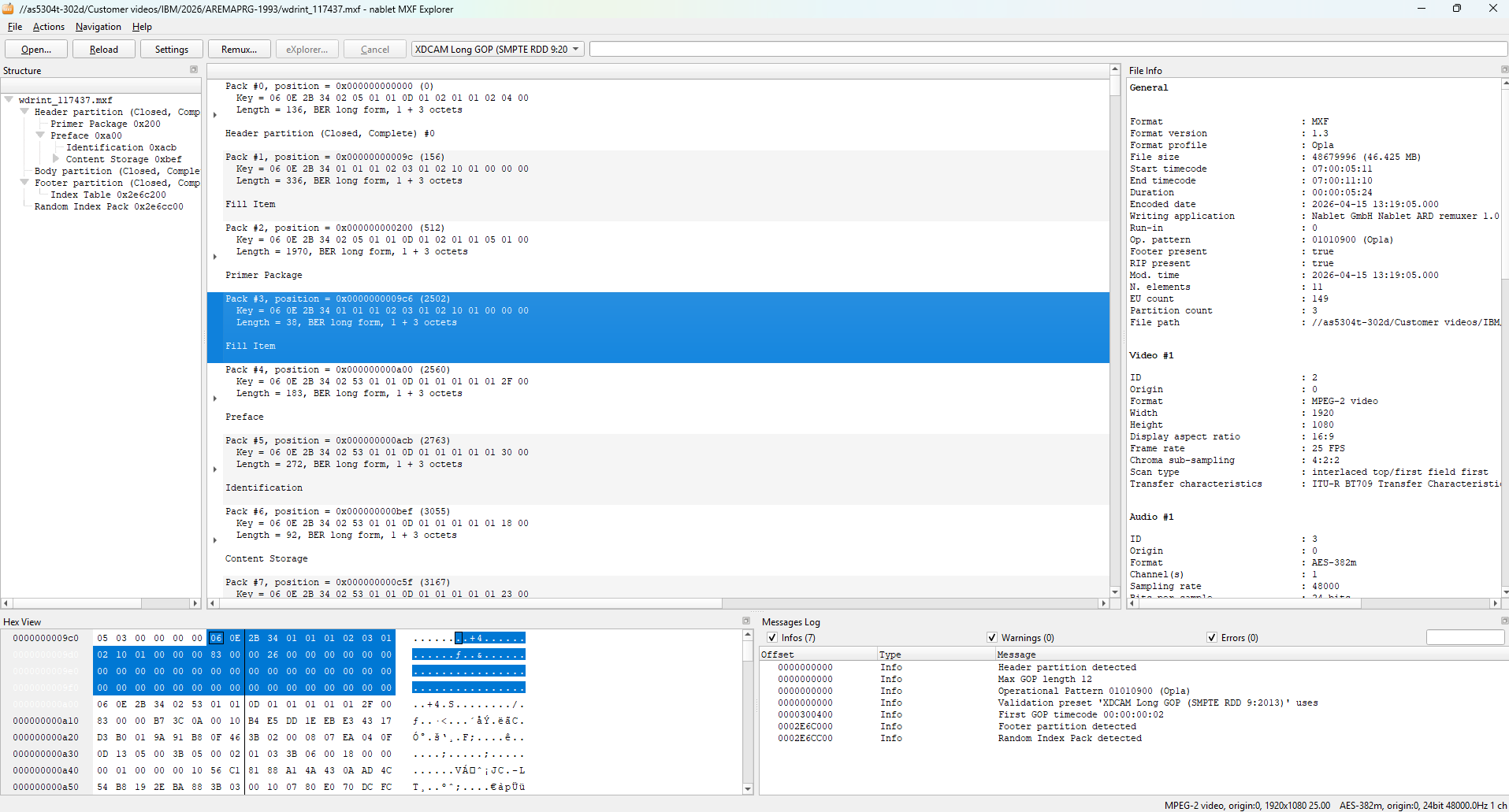
MXF Studio is designed for broadcast engineers and technical media teams who need more than a viewer. It combines MXF inspection, validation, remuxing, repair, and engine-level workflows in a single package built around professional MXF standards.
What it includes
MXF Studio brings together the utilities and processing engines that broadcast teams need when MXF files must be inspected, validated, repaired, or converted without guesswork.
Review structure, descriptors, metadata, essence information, operational patterns, and validation details.
Remux MXF files to a target standard or repair container-level issues where the essence can be preserved.
Support for common professional workflows including OP1a, growing files, AVC-Intra, XAVC, XDCAM, IMF-related work, and archive validation.
For broadcast engineers
Consumer tools often show that an MXF file exists. MXF Studio is for the harder questions: whether the metadata is correct, whether the file can be accepted by a target workflow, whether a damaged container can be repaired, and whether a remux can solve the problem without quality loss.
Buy MXF Studio online or contact nablet if you need SDK/OEM integration, deployment advice, or help with a specific MXF workflow.
Tell us about your workflow, project, or technical requirements. We’ll get back to you shortly.
We will email you the download link. No account or registration needed.
Nothing arrived after a few minutes? Please look in your spam folder or write to info@nablet.com.
Important note for users with legacy license key files.
If you own a legacy license key file for an earlier version of this plug-in, please read this before you update. Starting with v2025.11.0, nablet introduced a new, more flexible license system with one-year subscription licenses for one or multiple seats.
Legacy license key files will expire on newer plug-in versions depending on their purchase date. Keys purchased in 2025 expire on Dec. 31, 2027 on plug-in versions 2025.11.0 and later. Keys purchased in 2024 expire on Dec. 31, 2026.
Do not overwrite your current plug-in version before you have made sure you can use the legacy key.