Broadcast & ad verification
Confirm that commercials aired, detect missed or shortened spots, and generate proof-of-broadcast reports for reconciliation.
nablet Video Search locates reference clips inside hours, days, or years of video and returns exact timestamps, durations, confidence scores, and exportable reports — even when the source has been re-encoded, scaled, or lightly edited.
What it solves
Video Search is built for teams that need evidence, not guesses: broadcasters, rights owners, content producers, archive managers, advertising operations, and compliance teams.
Confirm that commercials aired, detect missed or shortened spots, and generate proof-of-broadcast reports for reconciliation.
Find a clip, logo, station ID, shot, interview segment, duplicate, or near-duplicate by showing the system an example.
Verify whether licensed or contracted content was used at the right time, in the right place, and for the correct duration.
Detect unauthorized re-broadcasting or reuse across monitored channels, recordings, archives, and incoming files.
How it works
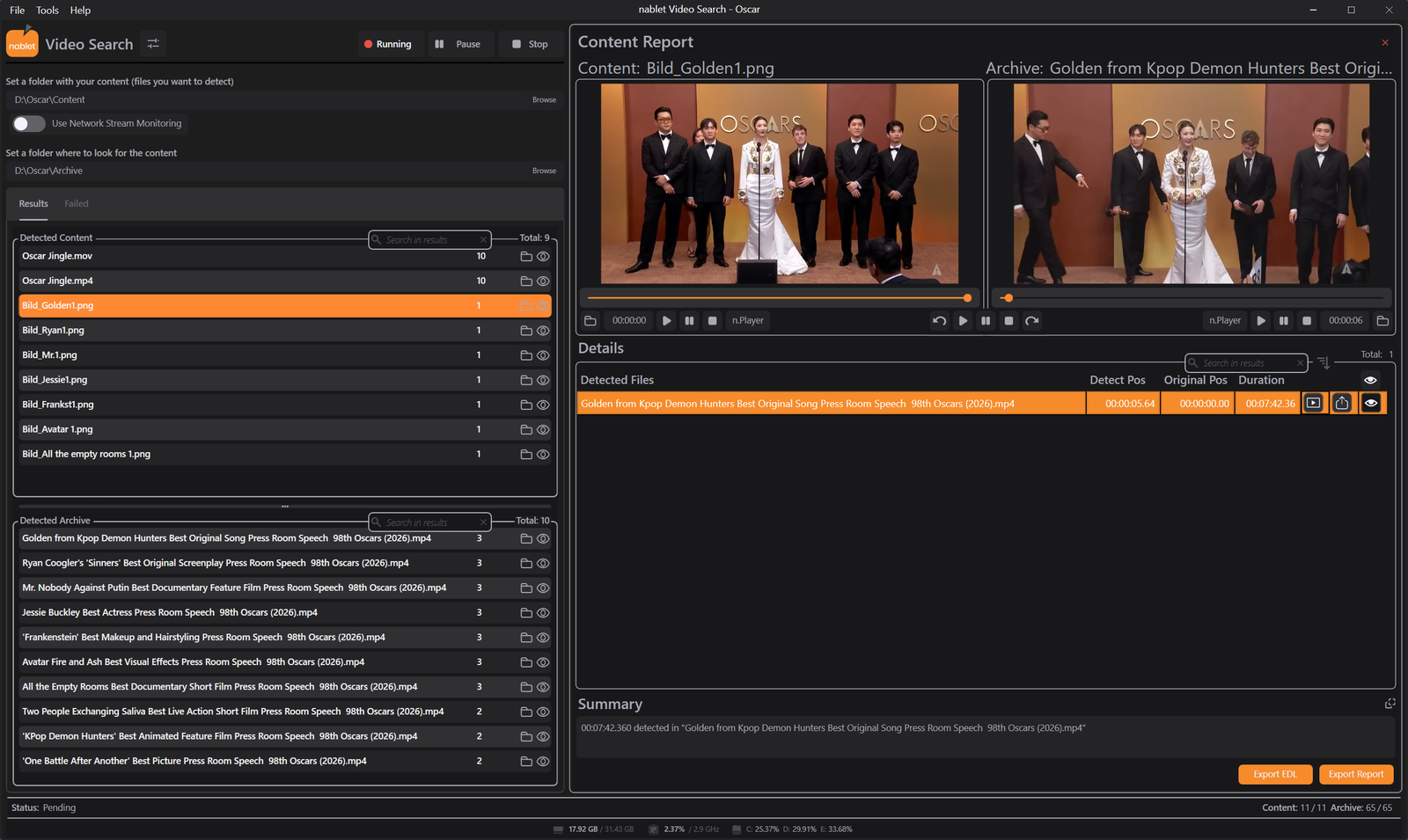
Point Video Search at the content you want to find, select where to search, and review every detected occurrence with timestamp, duration, and export options.
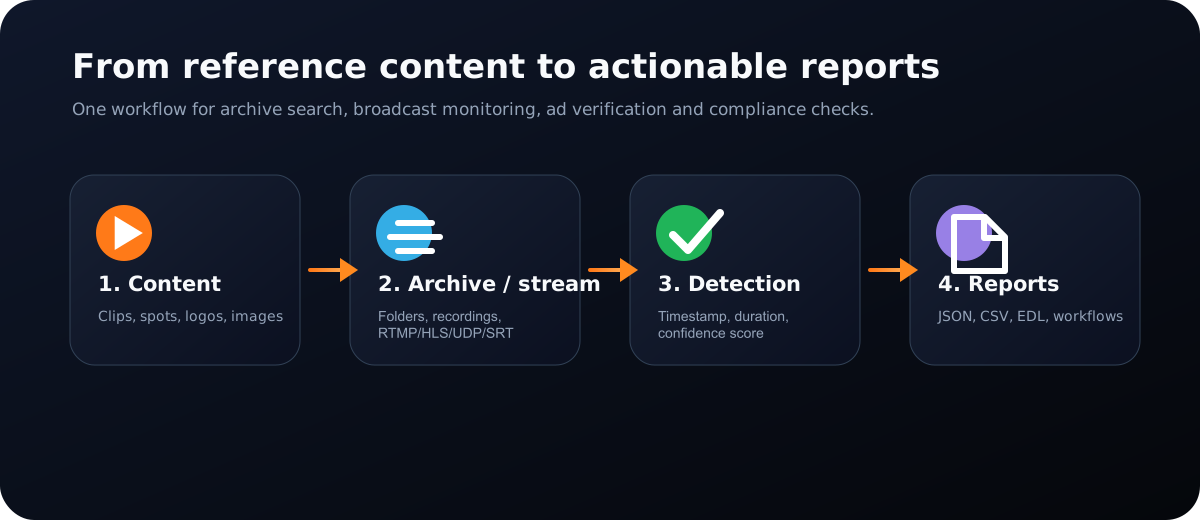
Select clips, ads, logos, images, station IDs, or reference segments that should be detected.
Search local folders, external files, recorded broadcasts, or network streams including RTMP, HLS, UDP, and SRT.
Video Search fingerprints, compares, and reports every match with exact position, duration, and confidence score.
Perceptual fingerprinting
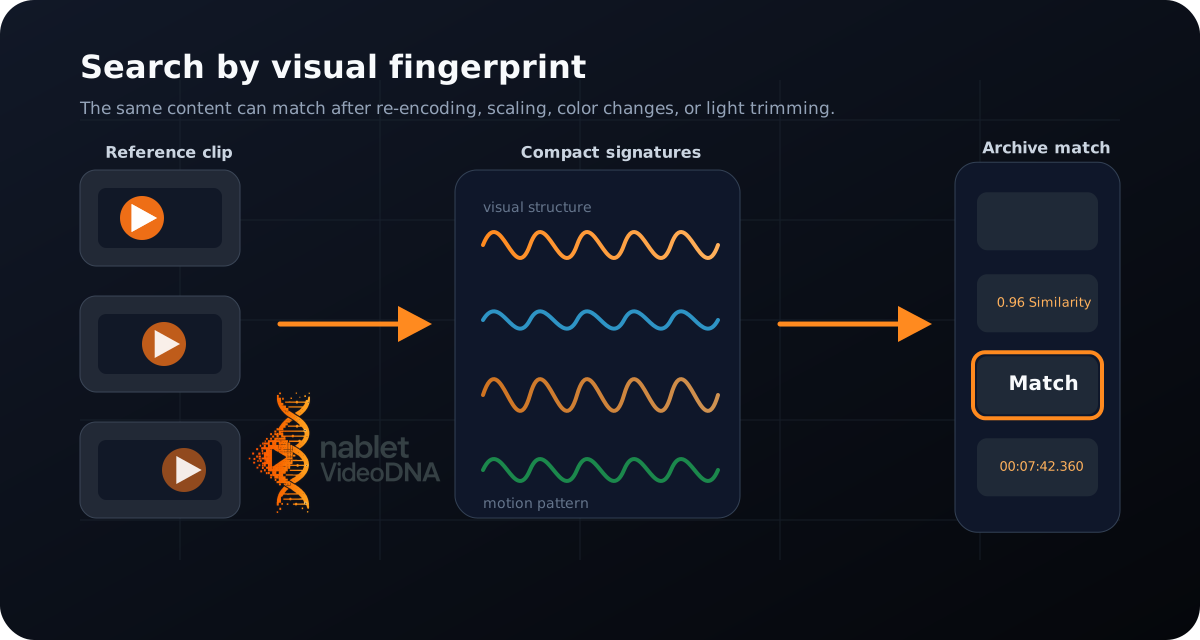
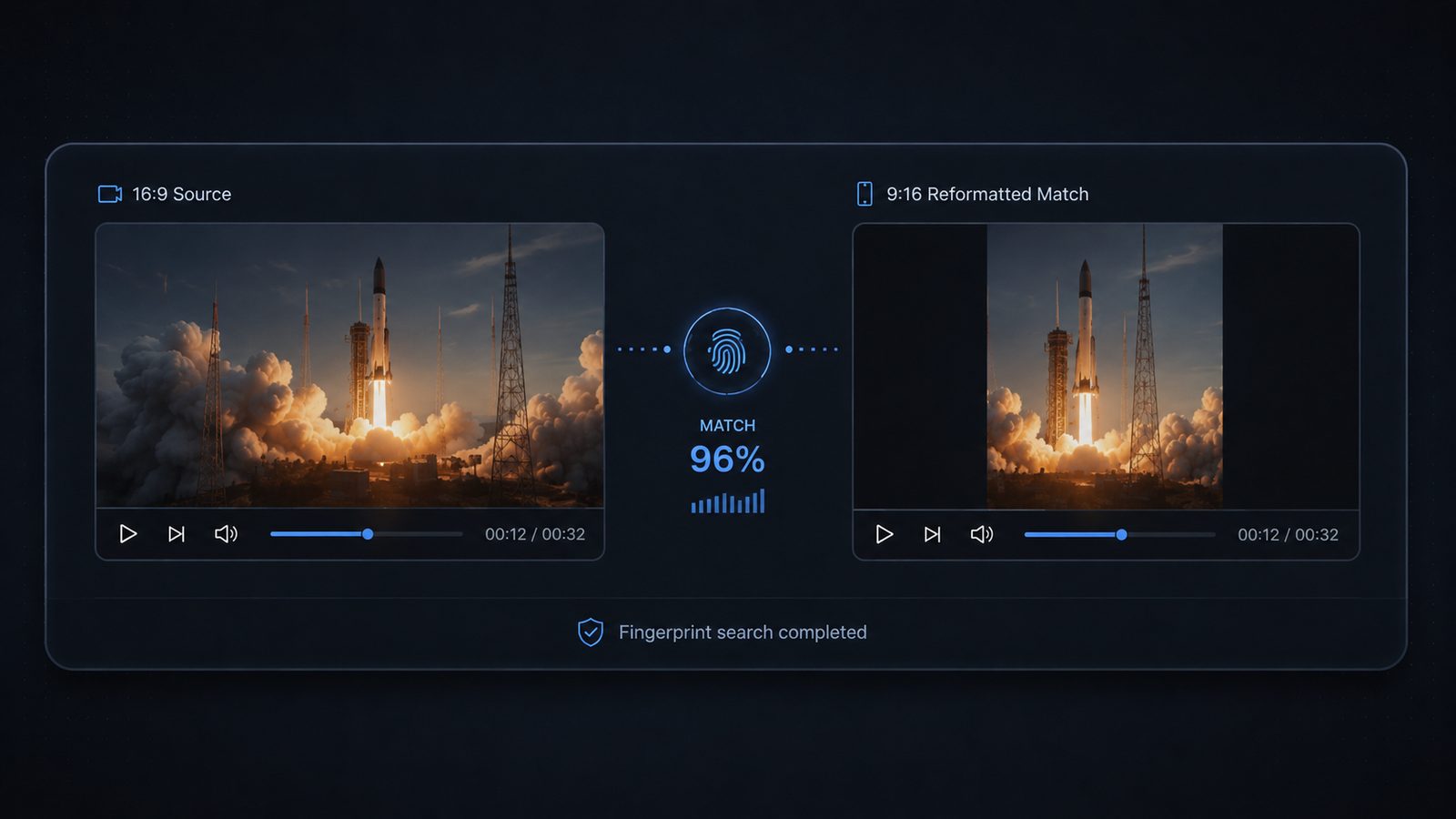
Stations re-encode. Aspect ratios change. Files get renamed. Bumpers are added or trimmed. Video Search compares visual structure and motion, so the same content can still be found after common broadcast and archive transformations.
Robustness
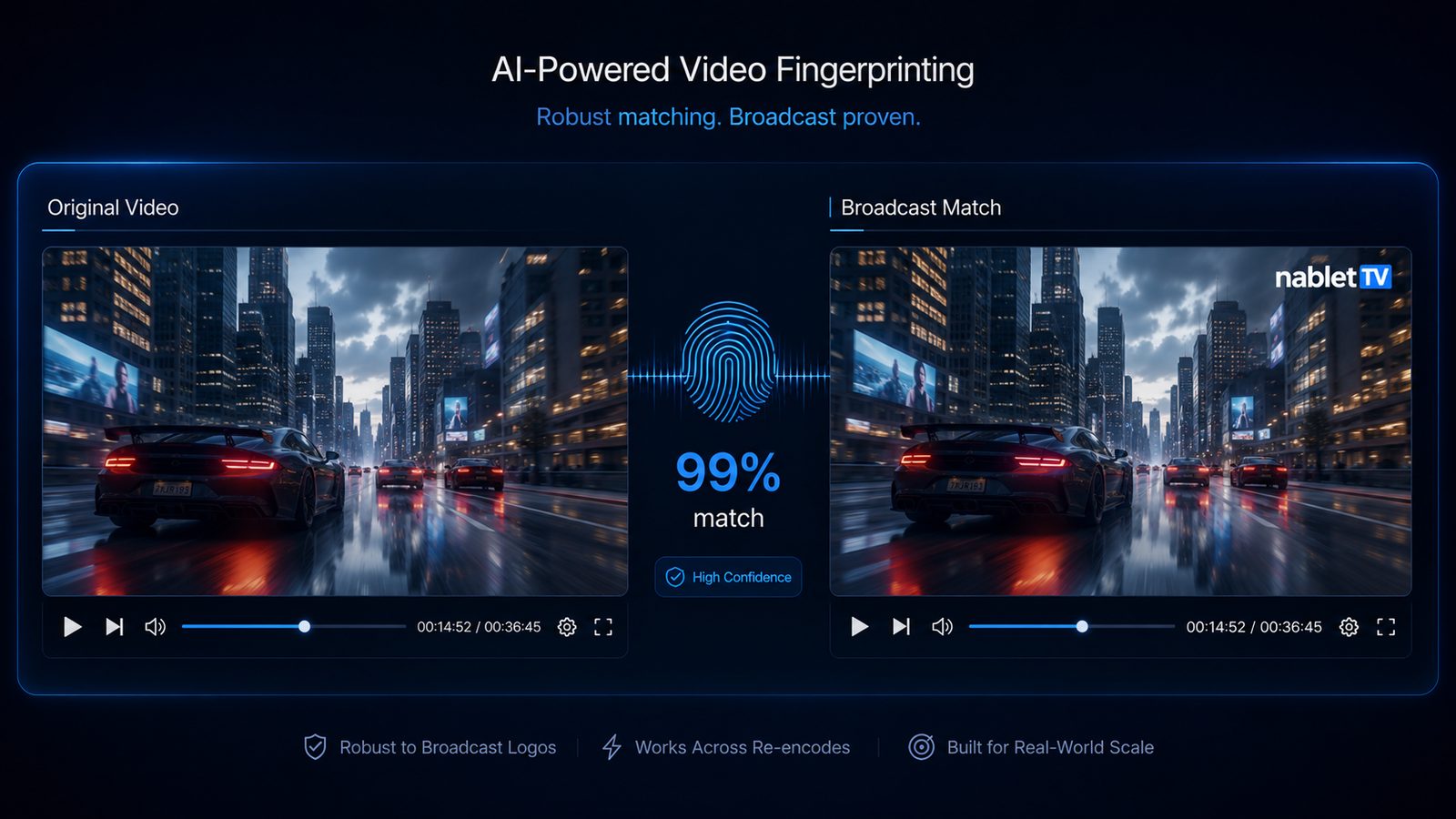
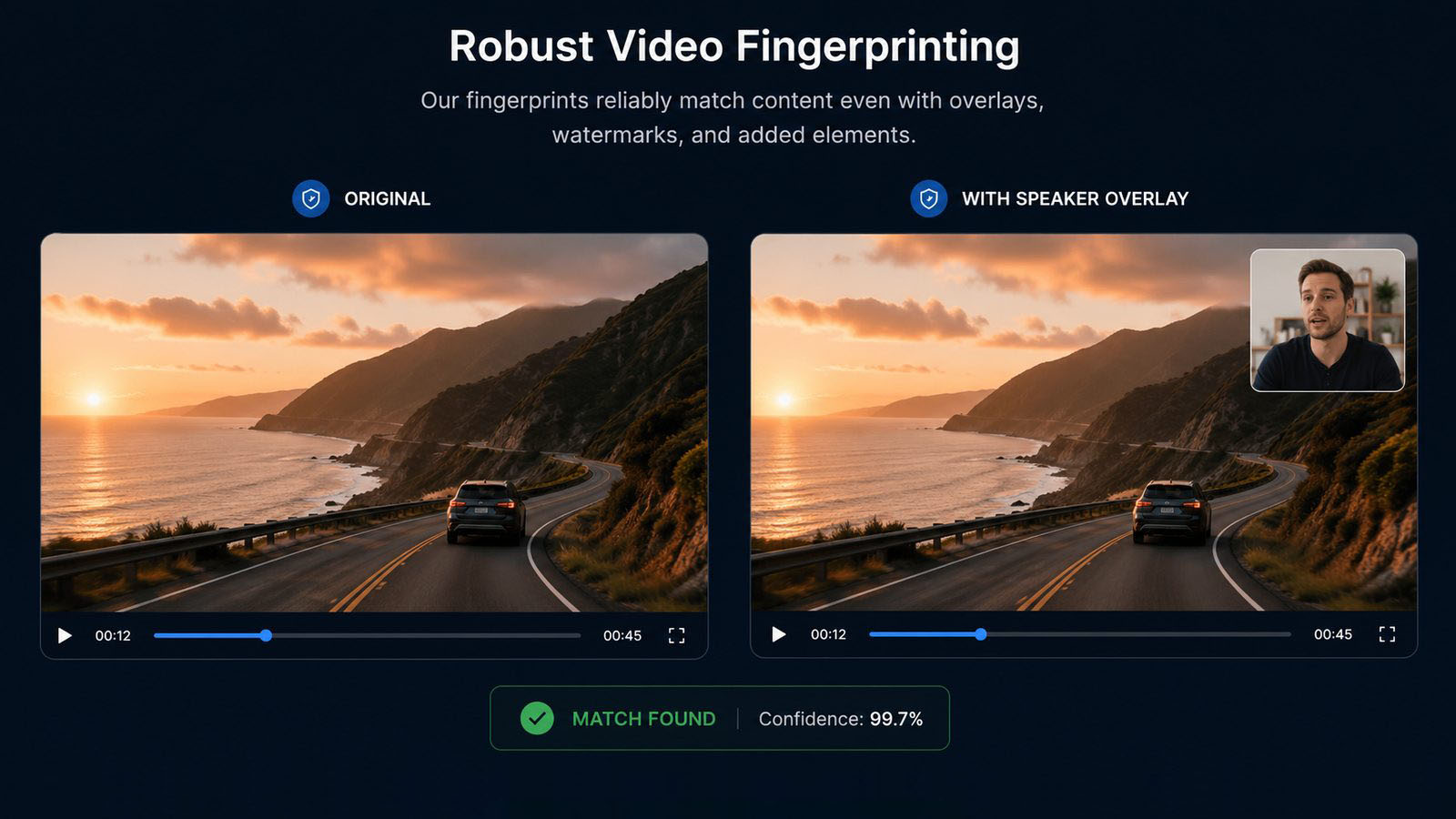
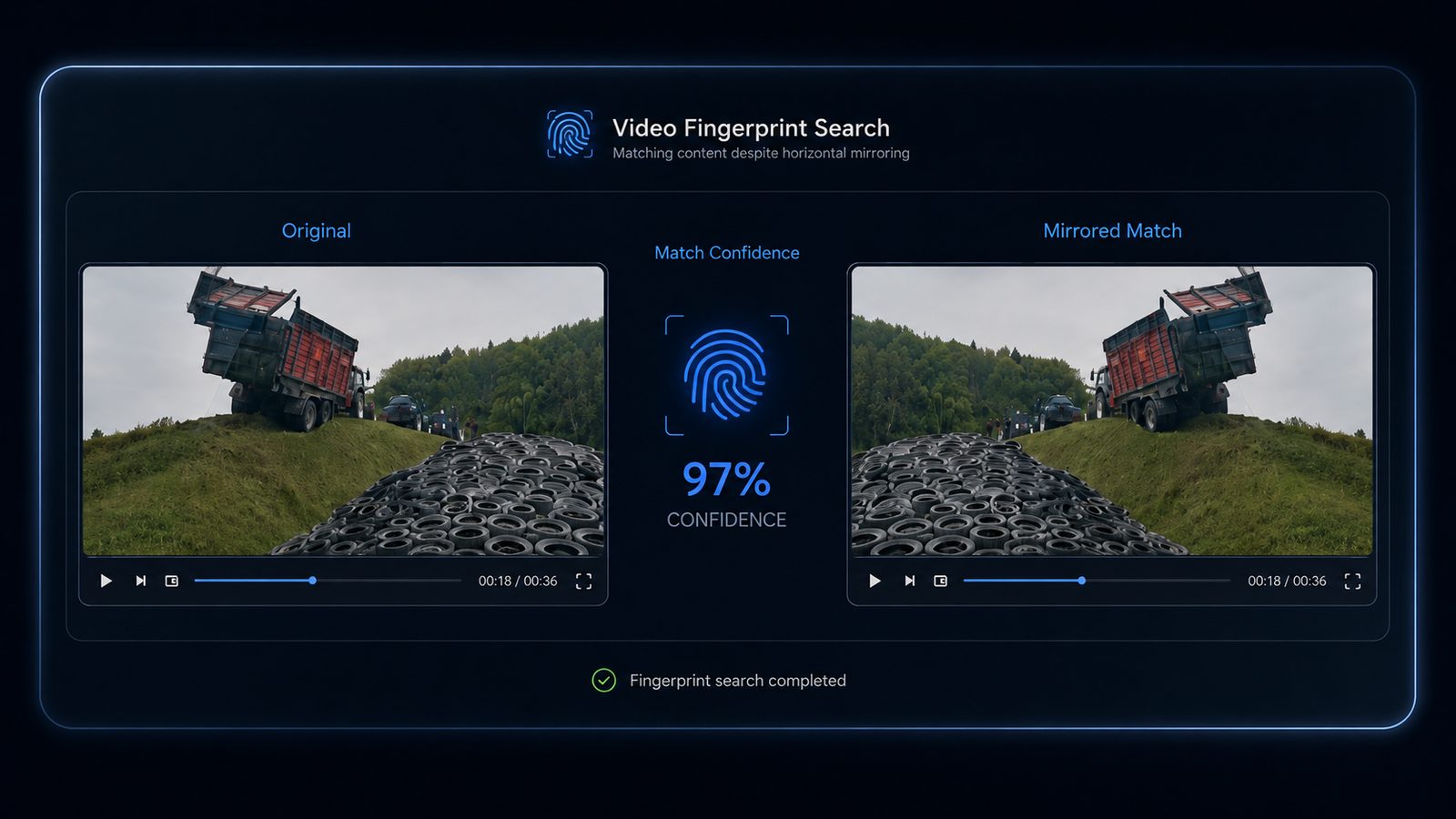
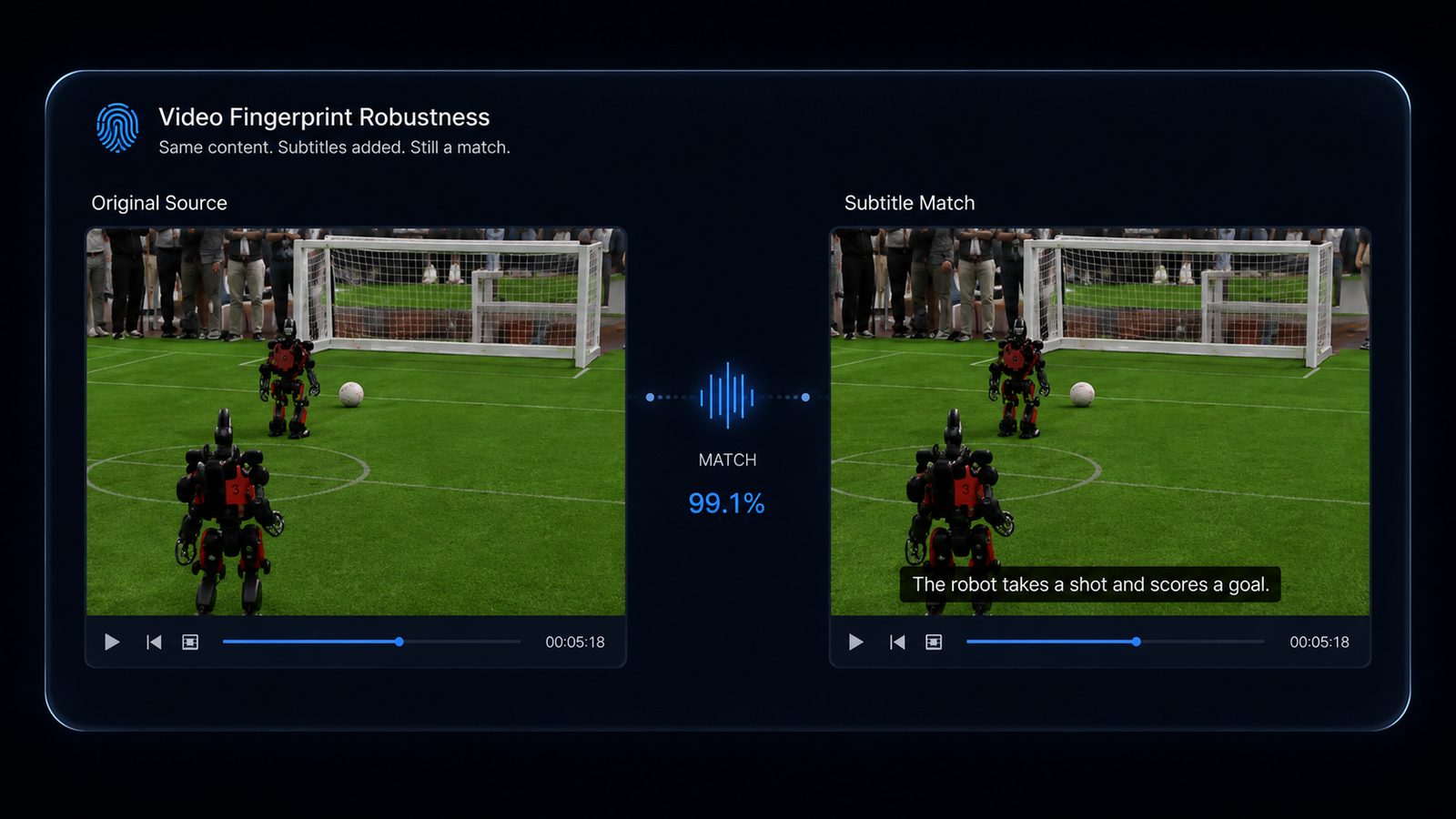
Reused content is rarely a clean copy. It gets mirrored, cropped, reformatted for social, overlaid with graphics, or buried under commentary. nablet fingerprints are built to survive exactly those transformations, so a match is still a match.
 Click to enlarge
 Click to enlarge
 Click to enlarge
 Click to enlarge
 Click to enlarge
Match confidence values shown are from real detection runs. Actual results depend on the source material and the degree of transformation.
Use cases
From protecting content and verifying broadcast usage to cutting storage costs, the same fingerprinting technology solves a wide range of real problems.
Detect duplicate and near-duplicate files across large libraries. Automated reports compare matching assets by duration, resolution, quality, and content differences, so teams can decide what to keep, archive, or remove — reducing redundant storage and delivering significant savings, especially in the cloud.
Identify duplicate and recurring content across film archives and edited sequences. Integrated into Avid Media Composer via dedicated plug-ins (beta for Windows), the system generates a fingerprint file during export — enabling content indexing, duplicate detection, and archive verification without disrupting post-production. Deeper MAM integration possible.
Monitor TV channels and media platforms for your content, live or on demand. Detect whether your content is used only by authorized customers, and measure exactly how much was used, which scenes, and for how long — with frame-accurate automated reports.
Precisely track when, where, how often, and for how long licensed content or advertisements are broadcast. Match each detected usage against defined rights, territories, time periods, and permitted volumes — reliable data for license compliance, rights verification, and contract management.
Automatically detect commercials across channels — which ads were broadcast, when, how often, on which channel, and even the length of each spot. Reliable analysis of reach, repetition frequency, and broadcast times, even across very large volumes of content.
Quickly identify content within large film archives. Using a short clip or a single reference image, the system detects the films where the content appears. nablet demonstrates this with a searchable archive of more than 5,000 films and shows.
Detect channels that impersonate a brand by publishing AI-generated or third-party videos under its name and logo. Video Search compares suspicious uploads against the customer's verified library to determine whether material comes from an authorized source — supporting platform enforcement and protecting brand trust.
Workflow modes
Standard and Pro are Windows desktop applications. Enterprise is a server product for cloud or on-prem deployment on Windows or Linux.
Configure recording or ingest systems to deposit files into watched folders. Video Search processes new material and produces reports.
Point Video Search at RTMP, HLS, UDP, or SRT streams and detect reference content in near-real time.
Check weeks of recorded broadcasts against campaigns, schedules, or reference libraries and export the results.
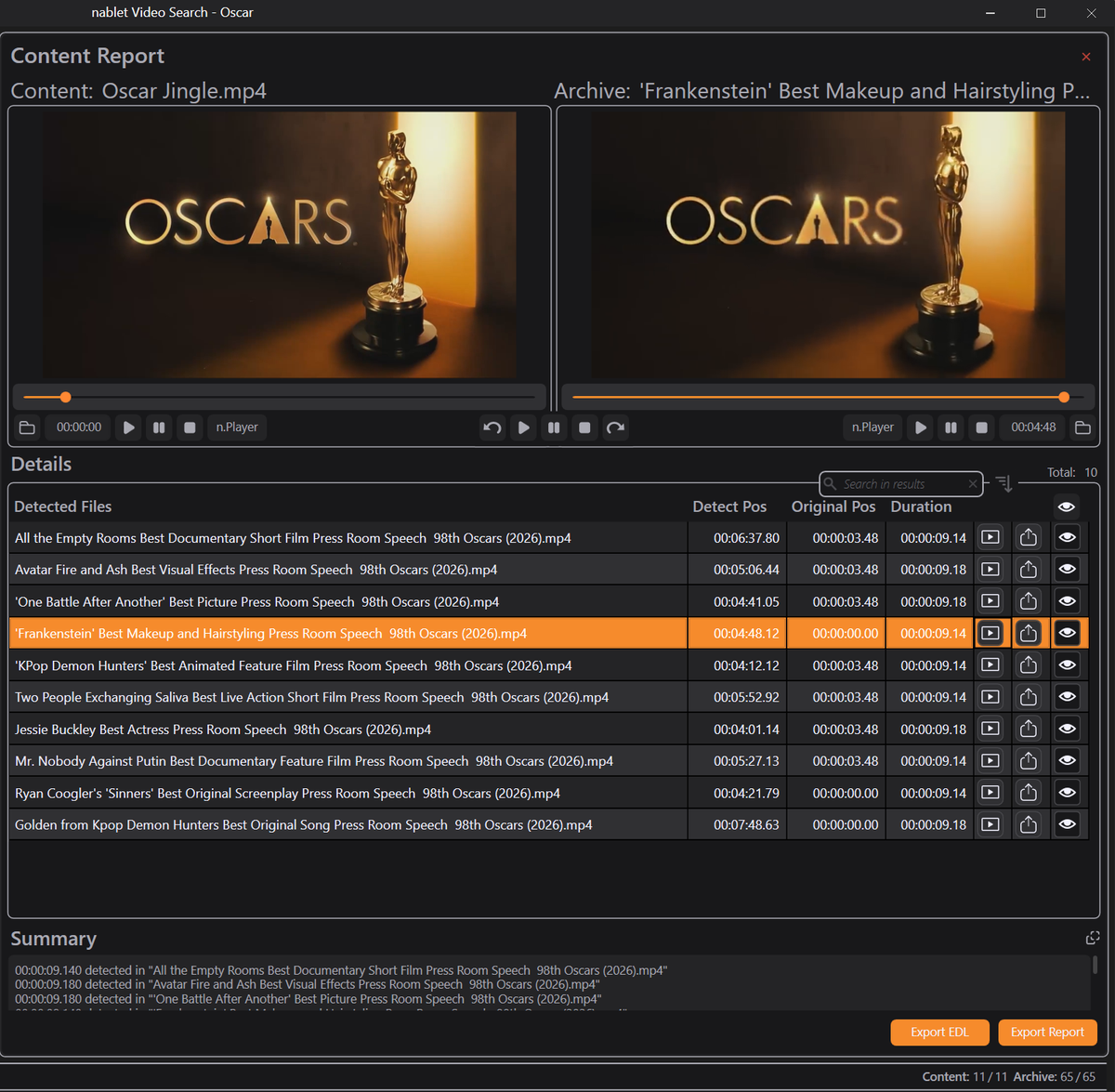
Results and exports
Use the side-by-side preview to confirm detected matches, then export the data into your traffic, archive, compliance, billing, or editorial workflows.
Customer stories
A producer of news and shows supplies footage to multiple broadcasters. Broadcast usage was previously recorded via DVR and reviewed manually each week to verify licensing and billing. With video fingerprinting and automated search, the system now continuously detects where, when, and how the supplied footage is used — enabling scalable, precise, automated verification of broadcast usage and content-based billing.
A customer runs over 50 YouTube channels with more than a million subscribers. Video Search helps detect unauthorized reuse of their videos across selected channels. Robust fingerprinting identifies copied content even after transformations such as picture-in-picture commentary, text and graphic overlays, cropping, zooming, scaling, or mirroring — a scalable basis for copyright claims, takedown workflows, licensing enforcement, and revenue recovery.
Editions
Start with desktop search workflows, add parallel processing and monitoring with Pro, or deploy a scalable server product with Enterprise.
Windows desktop application for file-based video search.
Parallel scanning, live monitoring, image search, and n.Player integration.
Server product for automated, cloud, or on-prem search and monitoring.
Start with a download or schedule a short technical meeting. We’ll help you map Video Search to your archive, broadcast monitoring, or compliance workflow.