Native professional formats
Play production media directly, including MXF OP-Atom/OP1a, XDCAM HD/EX, XAVC/XAVC-I, ProRes, DNxHD, AVC-Intra, and DVCPRO HD.
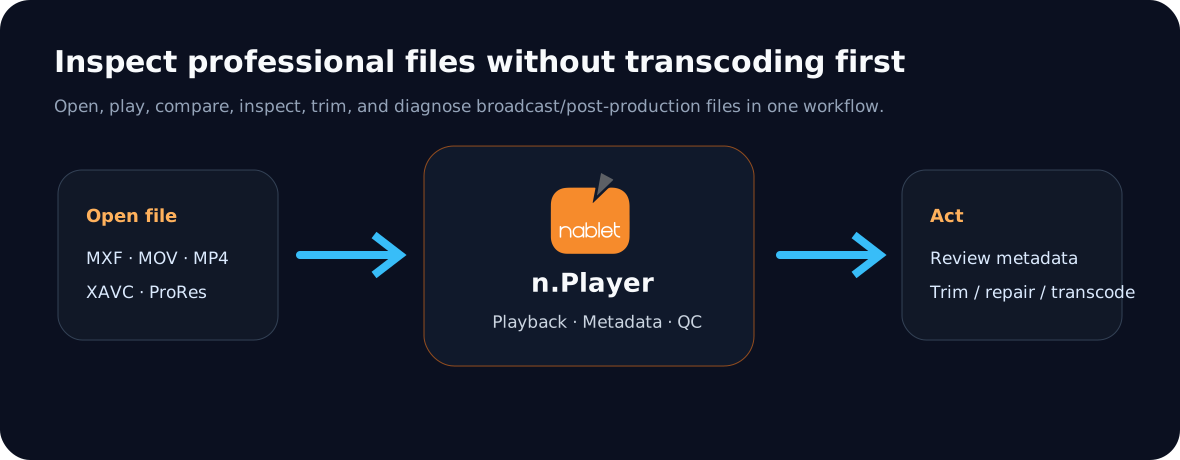
n.Player is built for post-production, broadcast QC, and archive teams that work with professional media formats every day. Open MXF, XDCAM, XAVC, ProRes, DNxHD/DNxHR, AVC-Intra, DVCPRO HD, and other production files with frame-accurate control and technical inspection tools.
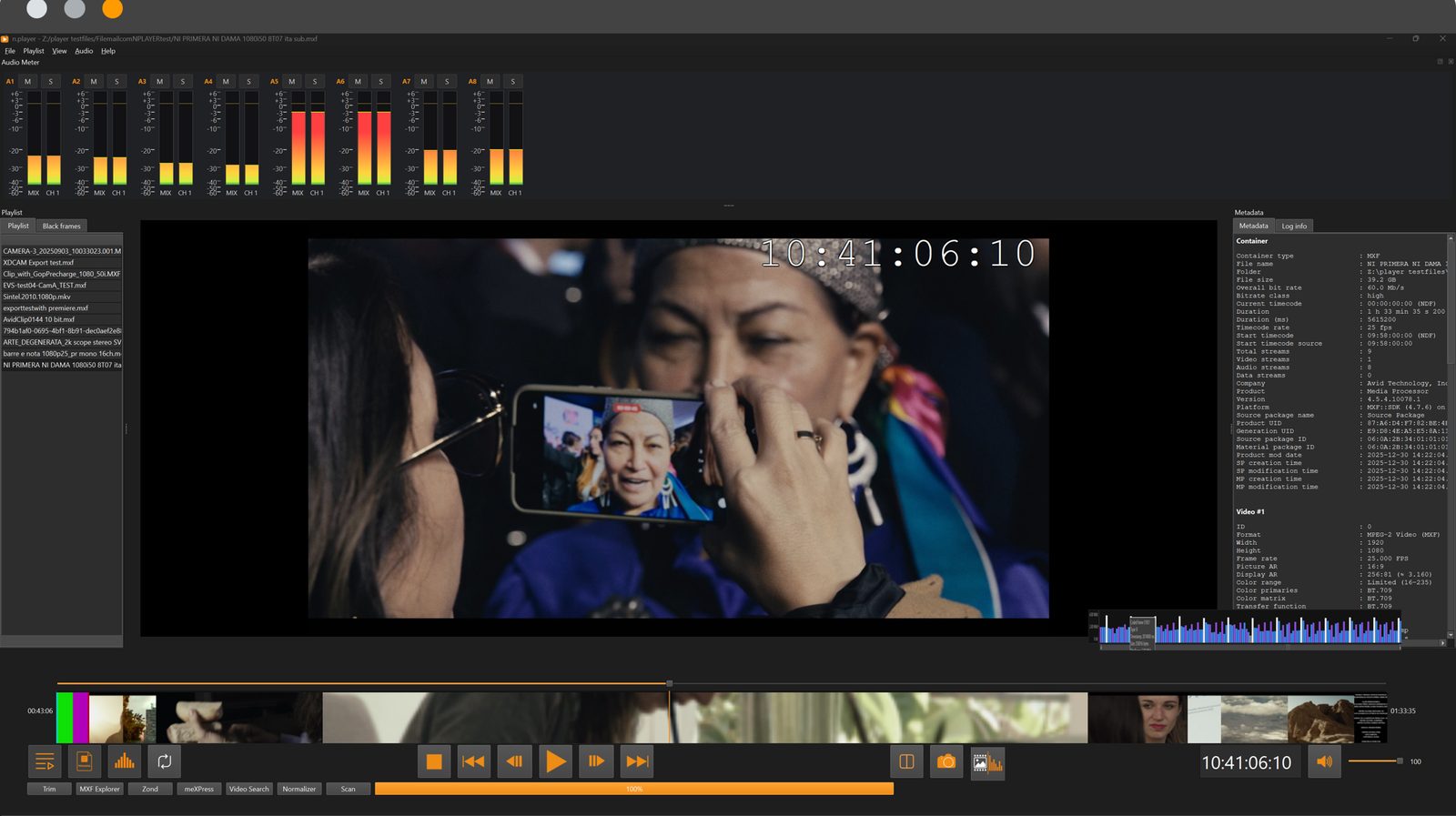 Player · Inspector · QC
Powerful features
n.Player is more than a preview tool. It helps users play, compare, inspect, troubleshoot, and prepare professional media files without first transcoding them into a consumer format.
Play production media directly, including MXF OP-Atom/OP1a, XDCAM HD/EX, XAVC/XAVC-I, ProRes, DNxHD, AVC-Intra, and DVCPRO HD.
Step forward and backward frame by frame with full LTC/VITC timecode display and optional timecode burn-in overlay.
Use MXF Explorer and MP4 Explorer to inspect tracks, descriptors, atoms, essence containers, and file structure for troubleshooting.
Trim fragments, combine chunks, and process files without unnecessary re-encoding where supported, keeping quality and saving time.
The nablet MXF normalizer adds a function to normalize MXF audio to comply with the EBU R128 loudness standard.
Supports CEA-608 and CEA-708 closed captions, including services 1–63, for professional review and QC workflows.
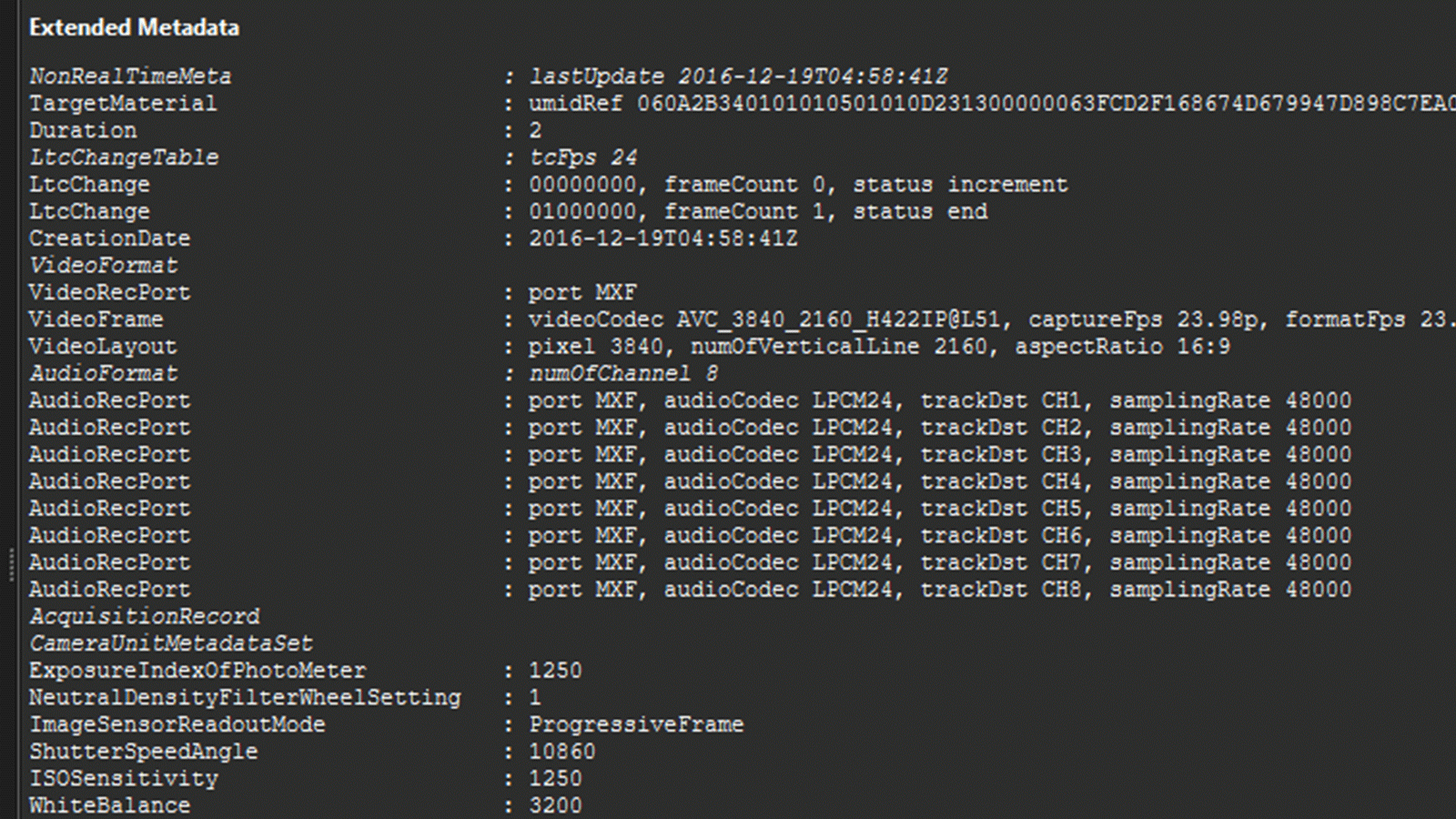
Preview extended metadata for MP4 and MXF files so technical users can verify file structure and key stream properties without leaving the player.
Coming soon.
Subscribe to our newsletter to get updates.
Inside n.Player
A professional player built for inspection, not just playback — file analysis, smart trimming, mediaEngine-powered transcoding, metadata preview, and side-by-side review in one workflow.
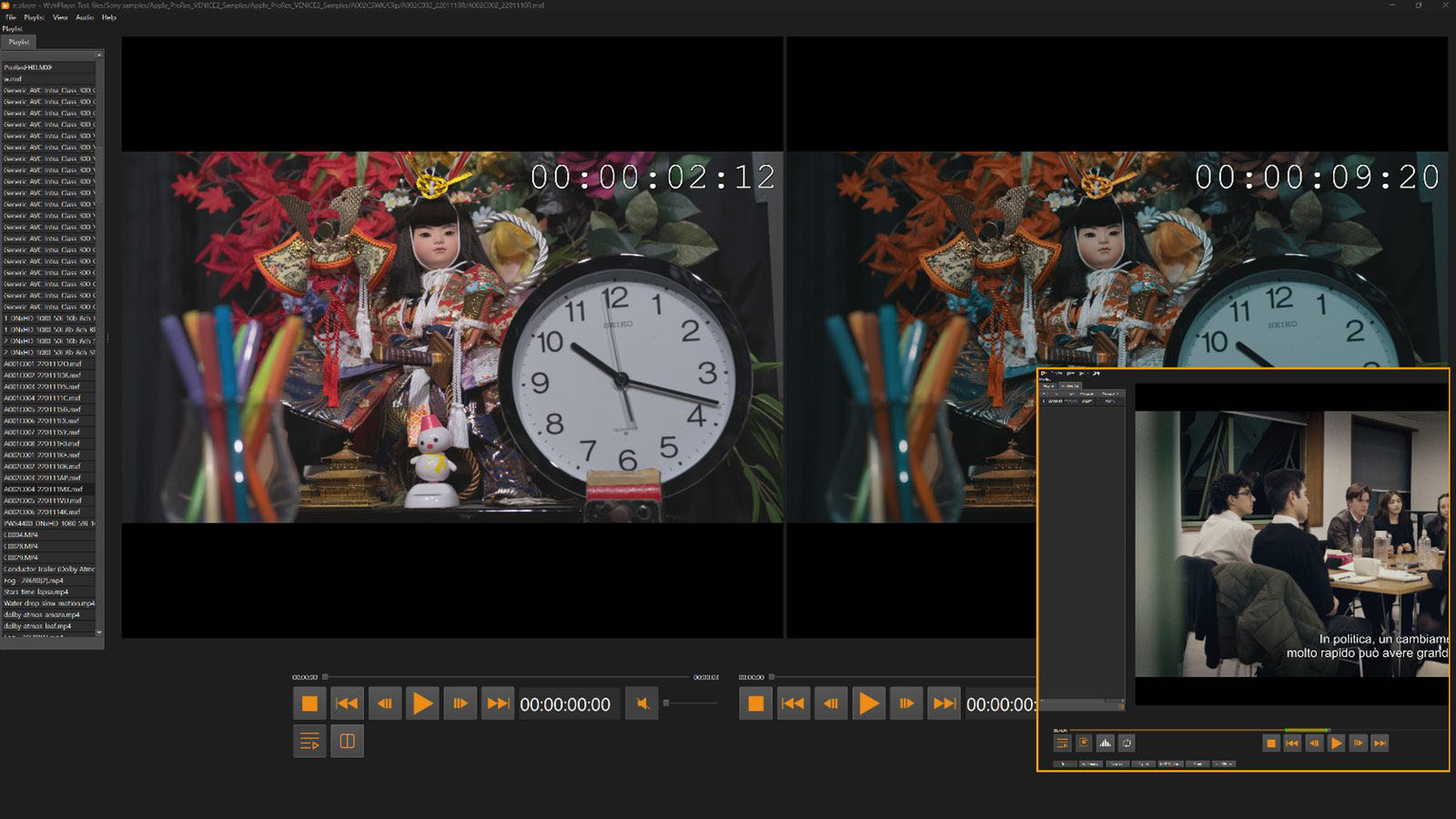 Click to enlarge
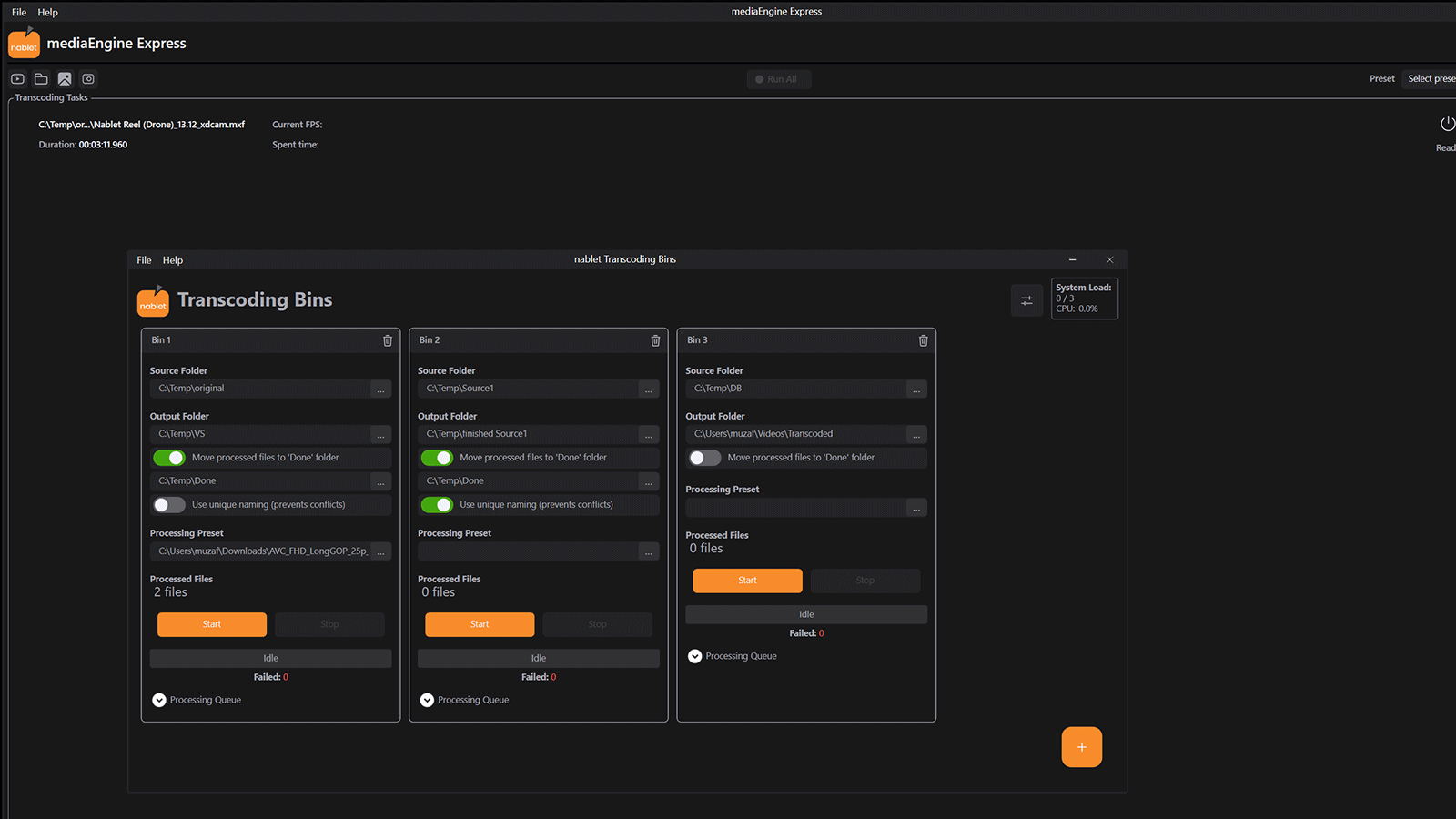 Click to enlarge
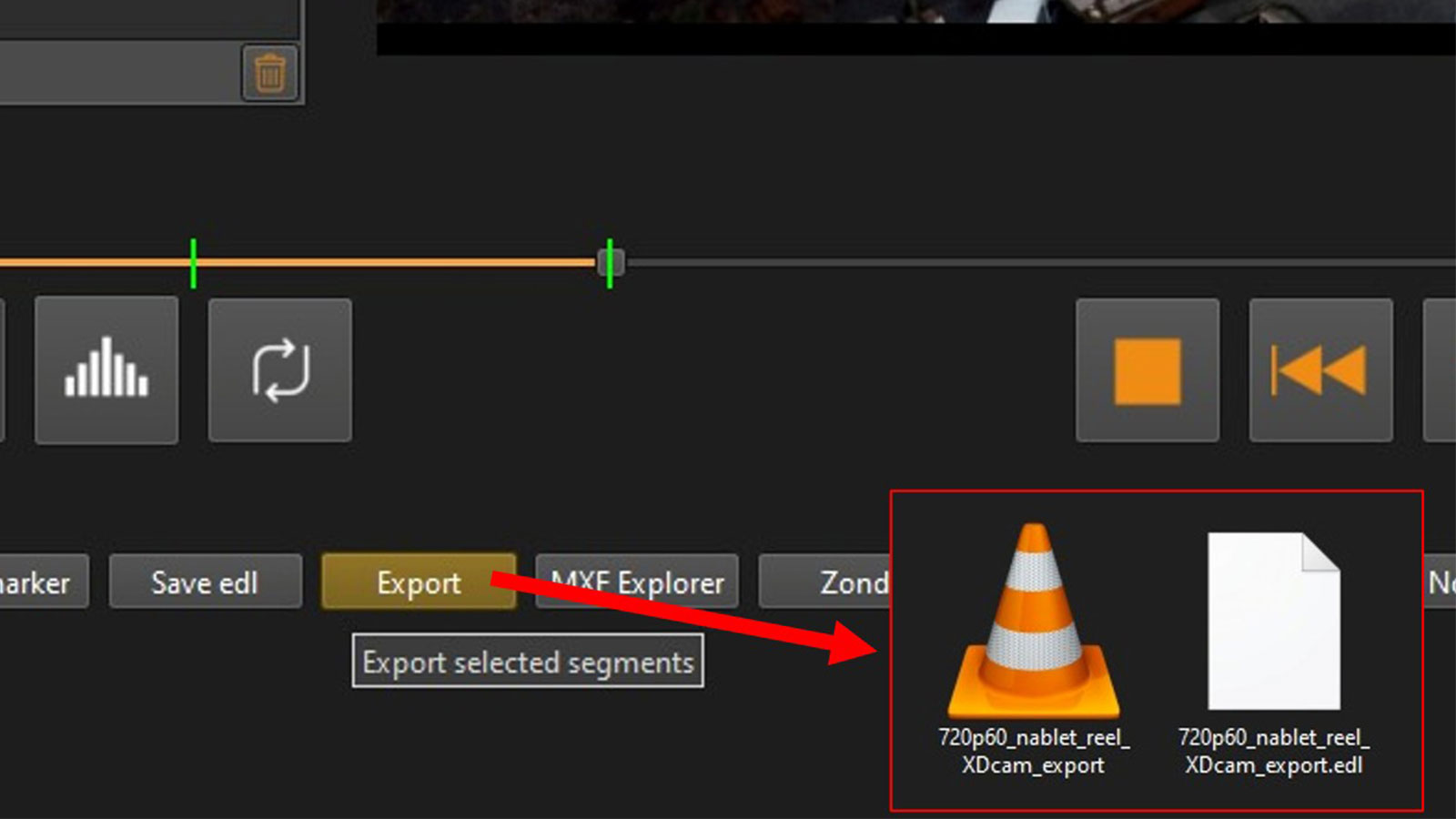 Click to enlarge
 Click to enlarge
QC and troubleshooting
Editors, broadcast engineers, archive operators, and imaging technicians need to know not only whether a file plays, but also whether its container, tracks, metadata, timecode, and essence are valid for the workflow.
Who uses it
Verify source files, EDLs, timecode, and playback before conforming or delivery. Troubleshoot problematic media faster.
Open difficult production and broadcast files, inspect container structure, compare versions, and validate file properties.
Check that archived files can still be played faithfully and that important metadata is present and understandable.
Video Search integration
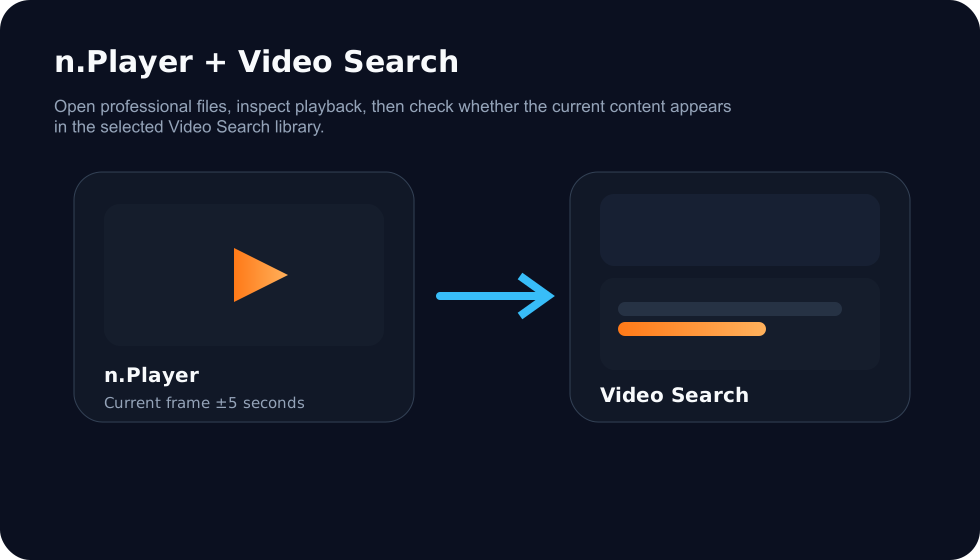
n.Player connects naturally with Video Search. Files that Video Search cannot play directly, such as certain professional MXF formats, can be opened in n.Player by pressing a button. In the other direction, n.Player users can check whether the current playback position, around ±5 seconds, has matches in the content selected in Video Search.
Product video
Check out n.Player features in this video.
Editions
Standard covers professional playback and inspection; Pro adds file repair, MXF processing, smart trimming, and transcoding.
Professional playback and inspection for daily post-production and QC use.
Everything in Standard, plus deeper processing tools for file repair, professional MXF workflows, smart trimming, and transcoding.
Download n.Player, buy Standard or Pro, or contact us if you need help choosing the right option for your post-production, broadcast QC, or archive workflow.