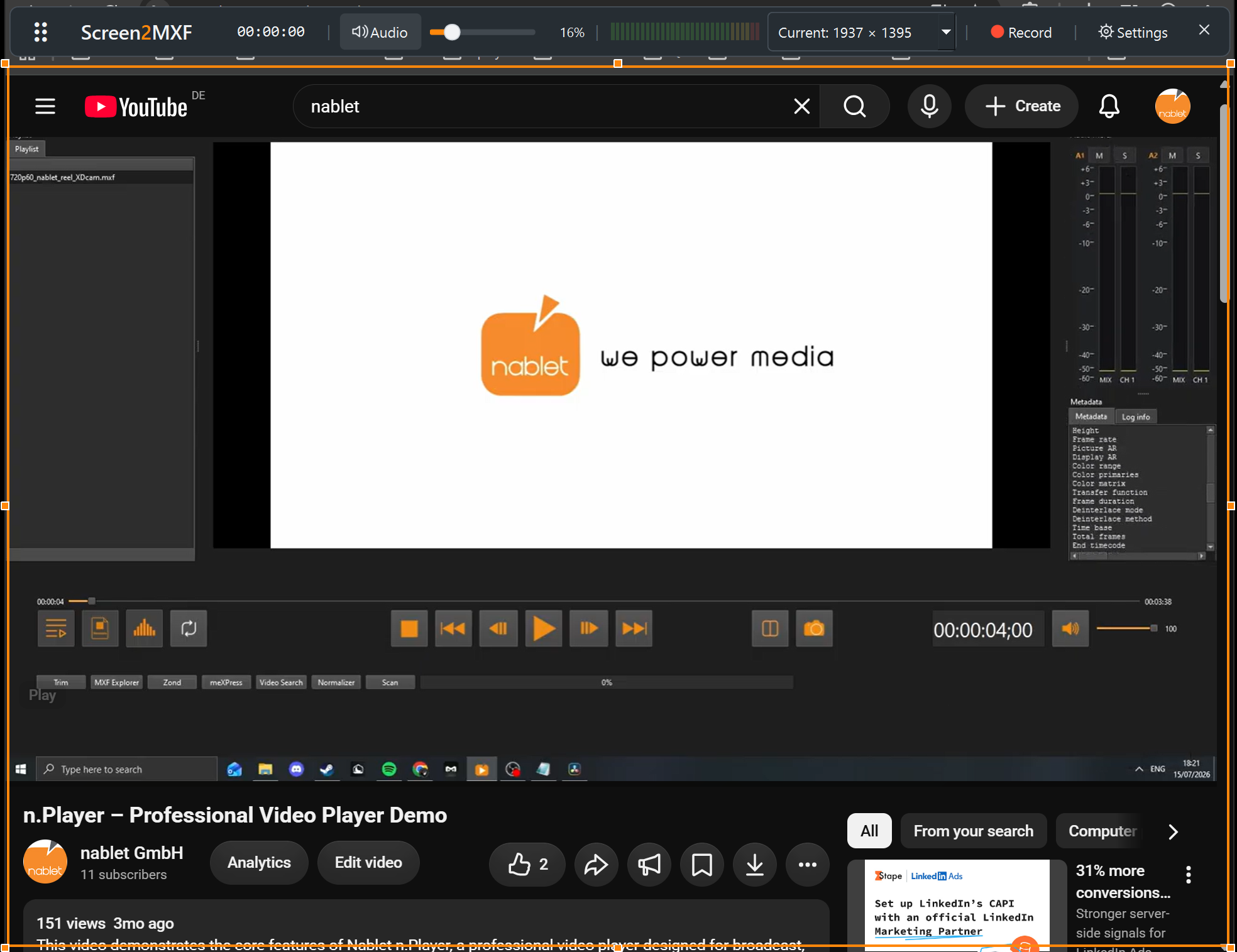

Capture screen content directly to MXF with nablet Screen2MXF. Record remote interviews, online video and software demonstrations using professional encoding profiles that fit your broadcast and post-production workflow.
Capture directly
Bring screen recordings into your production workflow in the format you need.
Screen2MXF combines screen capture with professional media encoding, allowing you to record directly to MXF instead of creating an intermediate recording for later conversion. Choose your output profile and capture content for editing, production or archiving.
Create MXF recordings during capture, without a separate post-recording conversion step.
Choose from Sony and Panasonic camera-format profiles, HDF/SDF01/XDF01, DNxHD, DNxHR, ProRes and ready-made broadcast presets, including RDD9.
Built on the established nablet mediaEngine technology used in professional media processing workflows.
Use cases
Simple to set up
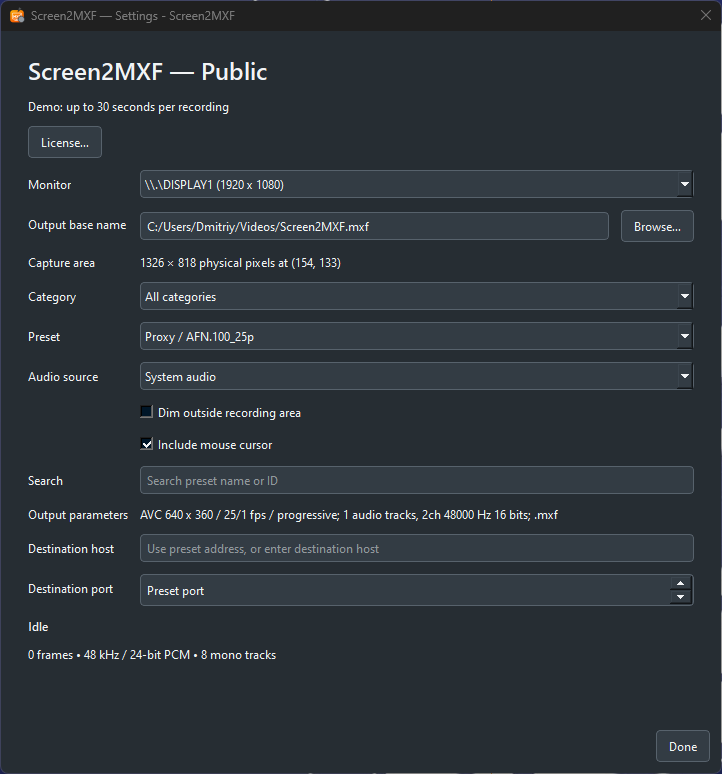
Choose the monitor and capture area, find a preset by name or ID, select the audio source and decide whether the mouse cursor is recorded. The settings window shows the resulting output parameters, such as codec, frame size, frame rate and audio layout.
Tell us your target format. We will help you identify the right profile.
Technology
Screen2MXF brings nablet’s professional encoding and MXF technology to screen recording. At its core is mediaEngine, the established nablet media processing platform for professional codecs, containers and production workflows.
New product versions and news from nablet, sent to your inbox.
We will help you identify the right profile for your broadcast or post-production workflow.
Tell us about your workflow, project, or technical requirements. We’ll get back to you shortly.
We will email you the download link. No account or registration needed.
Nothing arrived after a few minutes? Please look in your spam folder or write to info@nablet.com.
Important note for users with legacy license key files.
If you own a legacy license key file for an earlier version of this plug-in, please read this before you update. Starting with v2025.11.0, nablet introduced a new, more flexible license system with one-year subscription licenses for one or multiple seats.
Legacy license key files will expire on newer plug-in versions depending on their purchase date. Keys purchased in 2025 expire on Dec. 31, 2027 on plug-in versions 2025.11.0 and later. Keys purchased in 2024 expire on Dec. 31, 2026.
Do not overwrite your current plug-in version before you have made sure you can use the legacy key.