ARRI AMA Plugin
Link, play, edit, and transcode ARRIRAW, ARRICORE, and Apple ProRes footage via Avid Media Composer.
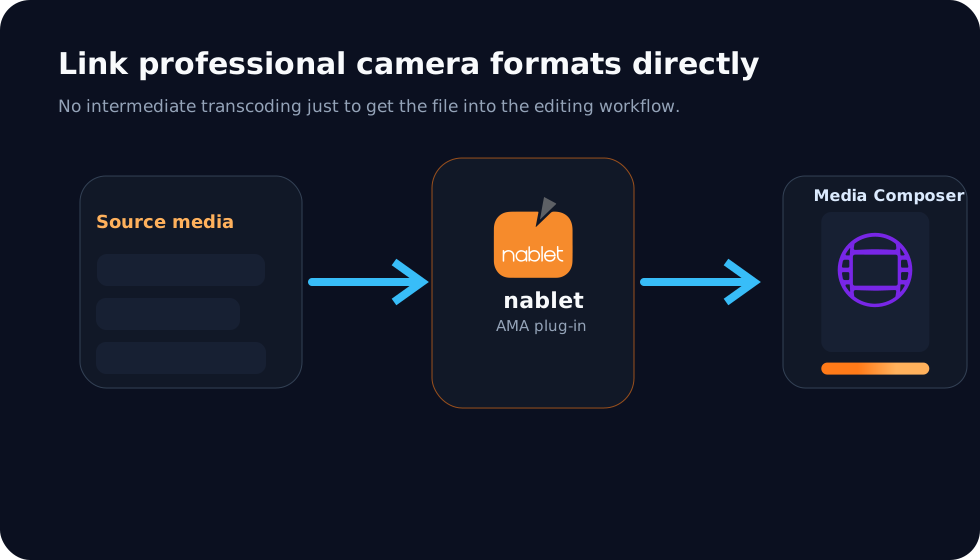 Avid Media Composer
Workflow
Use camera-original media without unnecessary pre-conversion.
For productions working with ARRI camera media, this plug-in lets editors link camera-original material directly into Avid Media Composer, evaluate it in demo mode, and unlock full use after purchase.
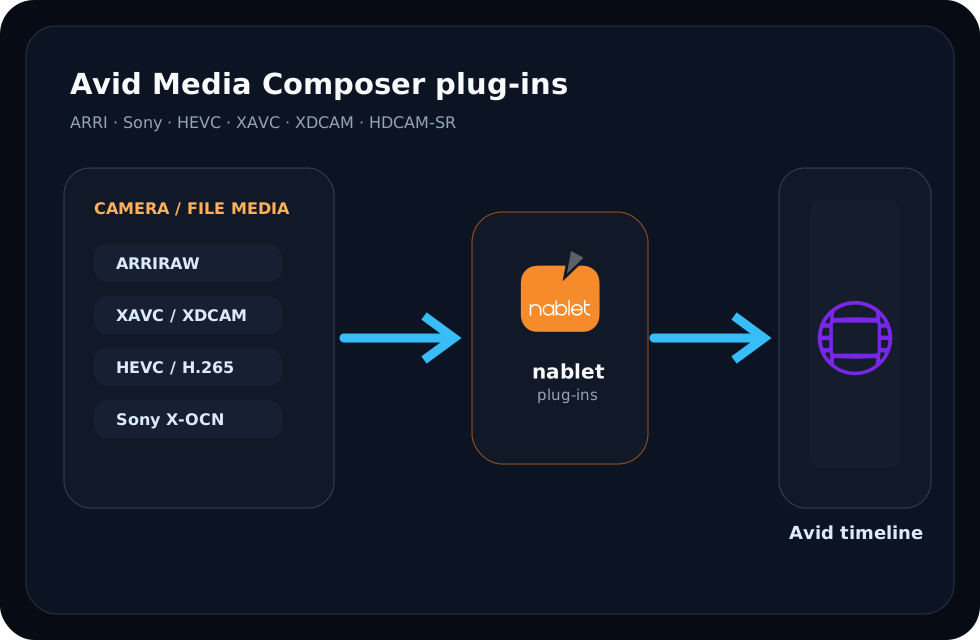
Features
What the plug-in supports.
Downloads
Download and evaluate ARRI AMA Plugin.
Download the current Windows or macOS package below. Commercial plug-ins can be run in demo mode to verify compatibility before purchase.
Windows package
v2026.9.0
macOS package
v2026.9.0
Documentation covers supported Avid versions
Version compatibility, operating system notes, installation details, and workflow limitations are maintained in the nablet support documentation.
Demo mode
Evaluate before you buy.
You can download the nablet ARRI AMA plugin and run it in demo mode to ensure it meets your requirements and is compatible with your system. The only limitation of the demo mode is a nablet logo overlay over the decoded images — the plugin is fully functional even without the license key. If you have problems using the plugin demo with your footage, let us know at ama_plugin_support@nablet.com.
Purchase
Please try the plug-in in demo mode to make sure it fits your needs before you place an order. No refunds are possible — read the full refund policy. Would you like the plugin for educational use? Let us know.
Once purchased
After the license seat has been activated the plugin is unlocked and you can continue to use the clips that were previously linked in demo mode — you do not need to re-link them. The logo disappears once the key is validated. However, transcodings and video mixdowns must be redone, since they were encoded with the logo in the source image.
Disclaimer — legacy license keys
If you own a legacy license key file for an earlier version of this plugin, please read this before you update. Starting with v2025.11.0 we introduced a new, more flexible license system: you can purchase a one-year subscription license for one or multiple seats. Legacy license key files will expire on the new plugin version depending on their purchase date. To honor existing users we introduce a grace period: keys purchased in 2025 expire on Dec. 31, 2027 on plugin versions 2025.11.0 and later; keys purchased in 2024 expire on Dec. 31, 2026. Do not overwrite your current version of the plugin before you have made sure you can use the legacy key.
Developed under license from ARRI AG and Avid Technology, Inc. Avid, Avid MediaCentral Platform, and Avid Media Composer are registered trademarks of Avid Technology, Inc. ARRIRAW, ALEXA, and AMIRA are registered trademarks of ARRI AG. Codex HDE is a trademark owned by Codex Digital Ltd. Windows is a registered trademark of Microsoft Corporation in the United States and other countries. OSX and macOS are trademarks of Apple Inc., registered in the U.S. and other countries.
Questions about this plug-in?
Developed under license from ARRI AG and Avid Technology, Inc. Contact nablet if you need help with footage compatibility, Avid version support, or licensing.